
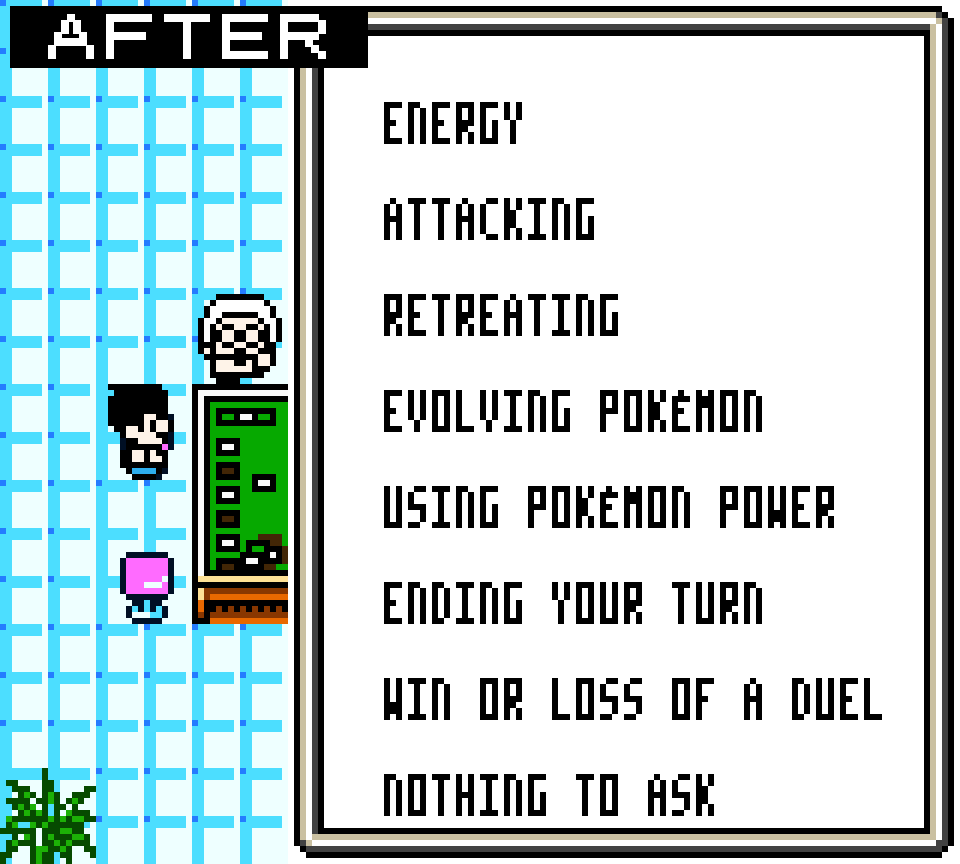
This small ROM hack adjusts the game’s half-width font to improve legibility while keeping the original style and tile grid. The goal is to make the in-game text look more readable and less seesaw-y.
What it does
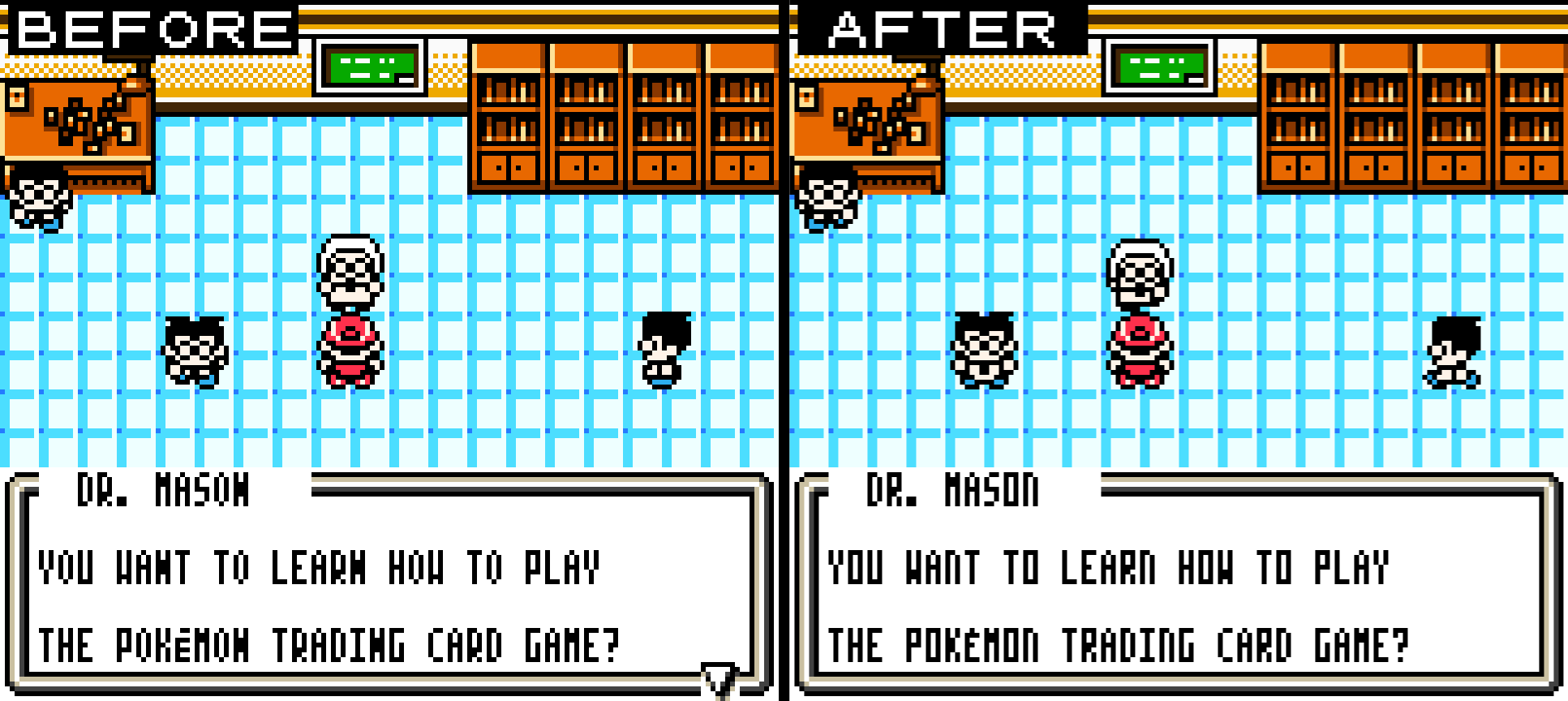
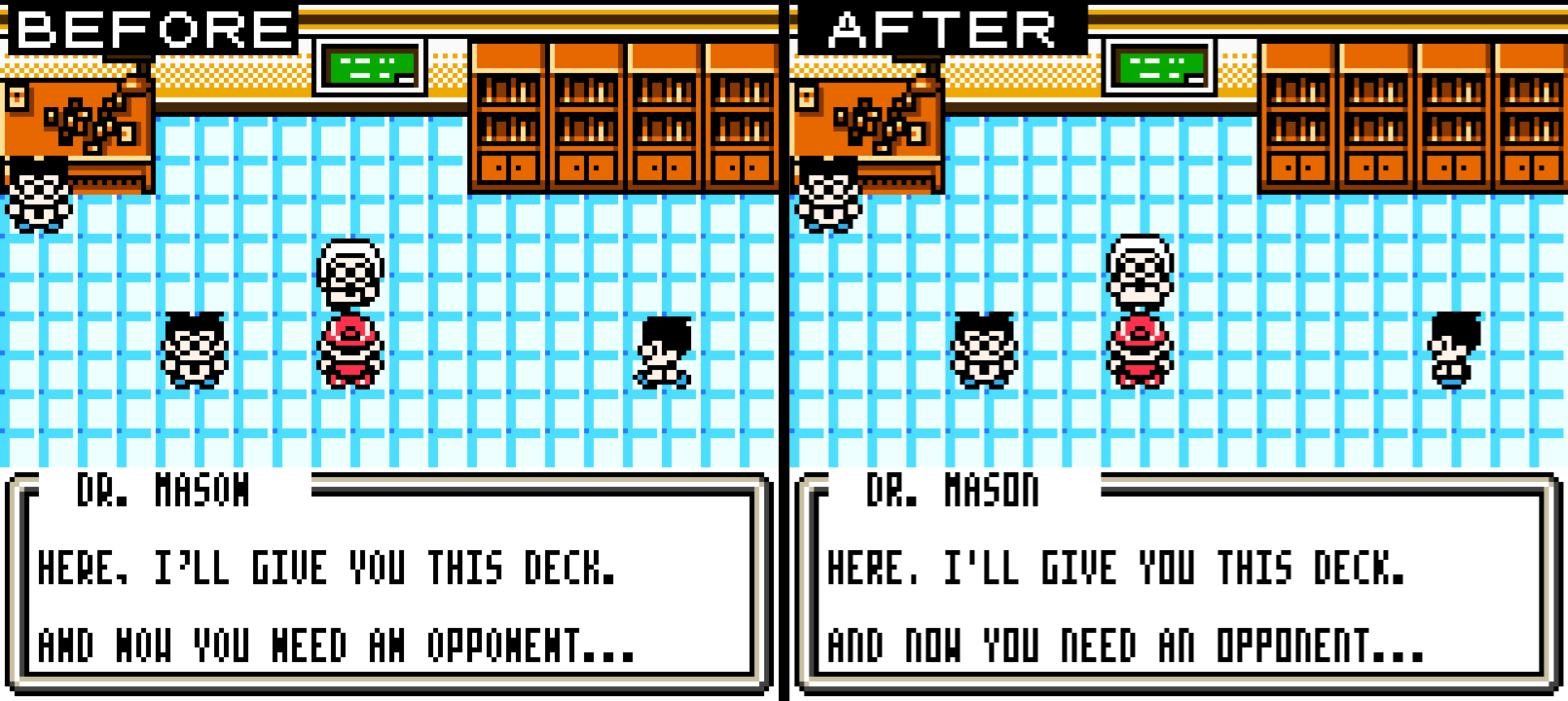
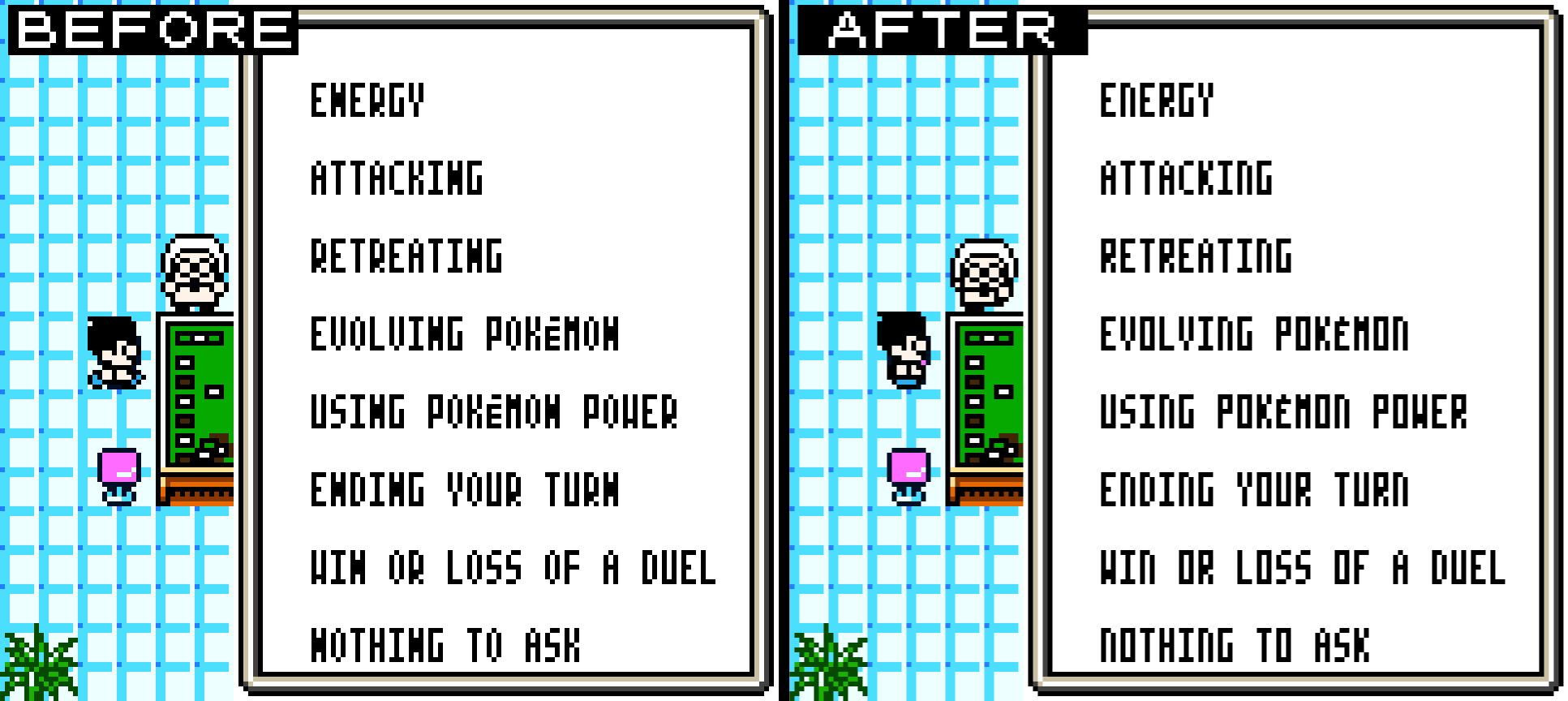
– Redraws several characters in the 3×7 half-width font to improve clarity. (ex: the “N” doesn’t look like a fat “H” or an odd “W” anymore)
– Keeps font width, line height, and overall aesthetic identical to the original; only glyph pixels are adjusted.
Compatibility
– Should be compatible with all existing Pokémon TCG ROM hacks.
I have personally tested it with:
- Digimon Adventure TCG REMASTERED v8.30.2025
- Generations v1.7.1
- Kanto TCG v1.2
- TCG Neo v1.43
- Enhanced v1.0
- Pokemon Trading Card Game (USA, Australia)
– Works with tvil’s “Lowercase Letters” hack (the lowercase letters were also edited).
– Doesn’t work with the European roms.
Notes and limitations
– Because this is a half-width font using a 3×7 pixel grid, some compromises were necessary; complex shapes were simplified for readability (that means the ampersand still isn’t perfect).
– No gameplay changes, only font graphics are modified.
Changelog
– v1.0 — Initial release: improved glyphs for several letters and symbols.
CRC-32: 81069d53
SHA-1: 0f8670a583255cff3e5b7ca71b5d7454d928fc48
MD5: 219b2cc64e5a052003015d4bd4c622cd
Most of the files you're about to download need to be applied to your game. Here is a list of utilities that allow you to do this:
- Online Patcher: Marc Roblero's online patcher. Works with many different file types.
- Floating IPS: NWell-known patcher for applying IPS and BPS files.
- Delta Patcher: Used to apply xDelta files.
- More Patchers
On most files, you can also press “Patch It”, to apply the patch without downloading the file.

Number of Comments: 3
View comments on forum