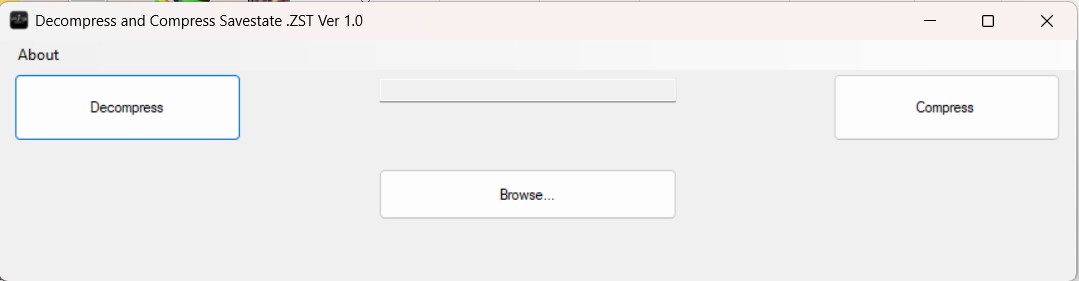
Description
Based on what one would expect from such a tool, here are features it might support (or need to support) if it is well‑designed:
-
Decompression (reading)
- Accept a
.zstor.savestate.zstfile, decompress the Zstandard layer. - Parse any additional headers or metadata that wrap around the compressed payload (e.g. version tags, checksums, signature, identifier, offsets).
- Output the raw savestate data (memory snapshot, registers, etc.) in a usable format.
- Accept a
-
Compression (writing)
- Take a raw savestate data blob (perhaps after editing or patching), and compress it using Zstandard to
.zstformat. - Reconstruct or re-insert necessary headers/metadata so that the resulting
.zstfile is accepted by whatever system uses it (emulator, console, etc.). - Optionally allow configuration of compression levels, dictionary usage, multi-threading, etc.
- Take a raw savestate data blob (perhaps after editing or patching), and compress it using Zstandard to
-
Validation / checks
- Validate the integrity of the file (e.g. confirm checksums, verify original size or magic values).
- Possibly allow comparing the recompressed output against the original to check for equivalence (though compression is seldom exactly reversible bit-for-bit, unless it's done with identical settings)
Staff Credits
- Special Thanks:
- Credits: Yann Collet (Cyan4973) For the amazing Zstandard compression algorithm and the zstd v1.5.7 (win64) tool. Your work empowers developers around the world with fast, efficient compression.
Last comments
Post a comment